CV & document builder for iPhone, iPad and Mac
Most apps hand you a form. Docbe hands you the page.
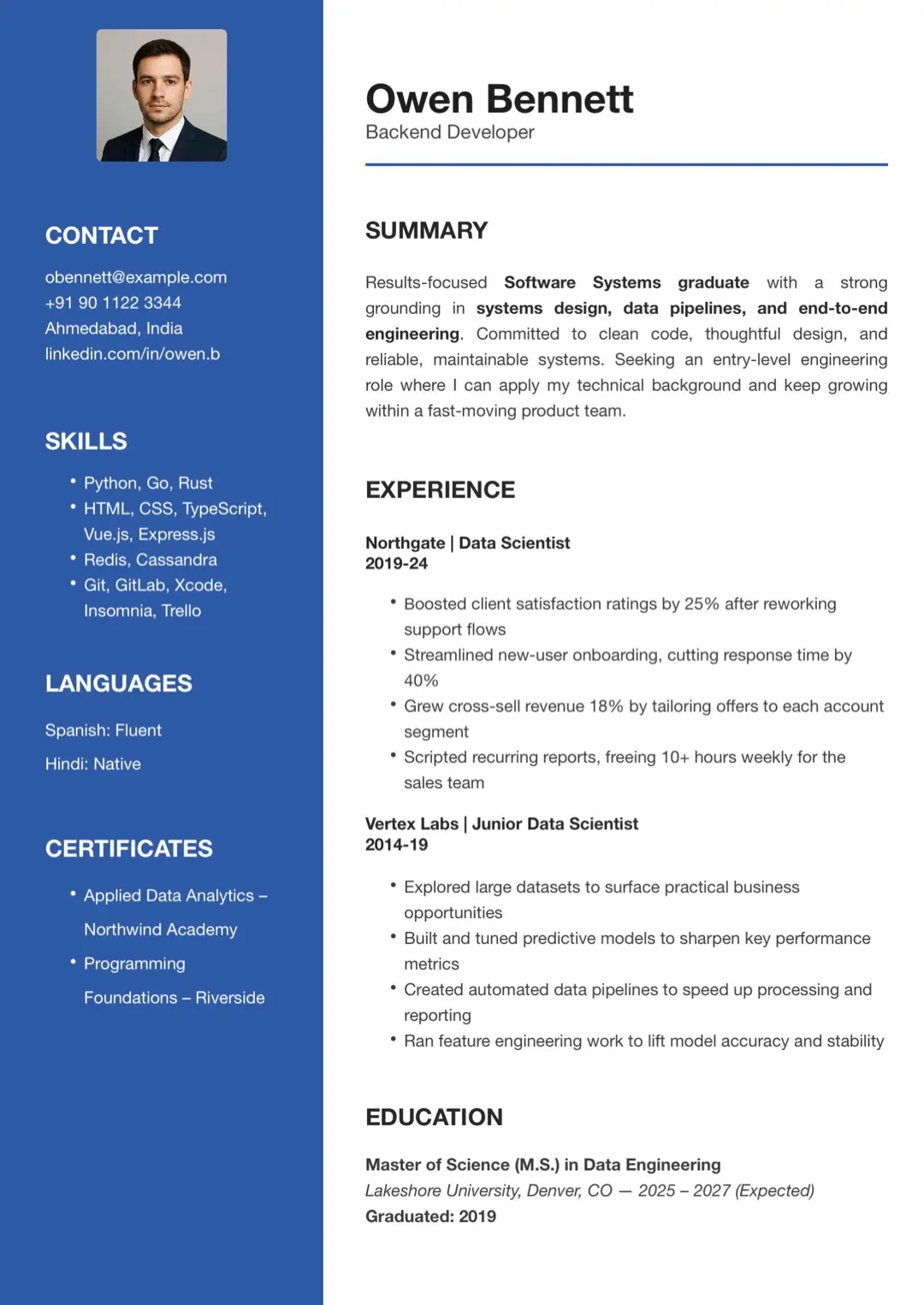
Start from one of 110 designed templates, move any block anywhere, keep real typography — then export a sharp PDF or a Word file.
Designer with eight years of experience shipping consumer products across iOS and the web.
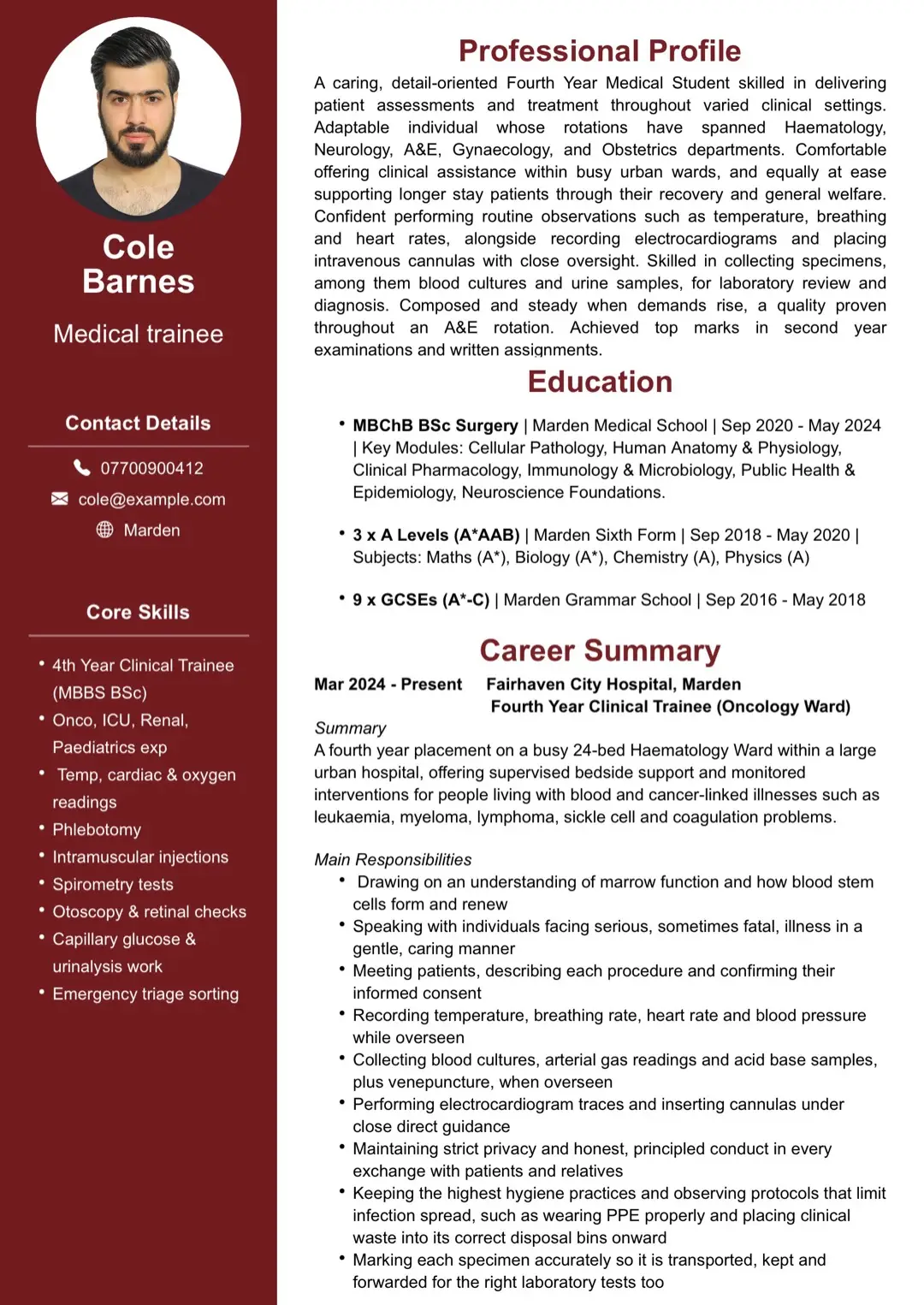
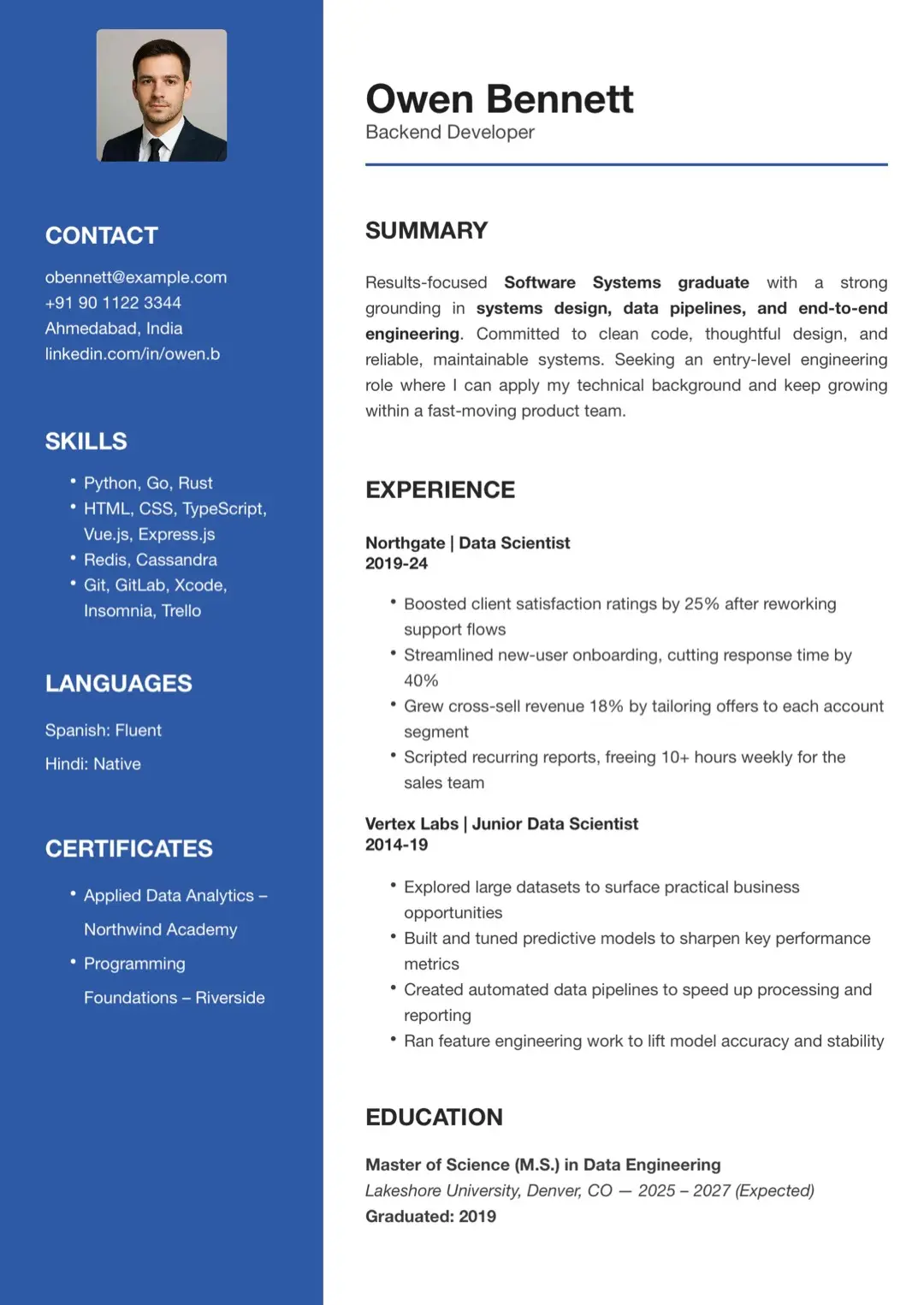
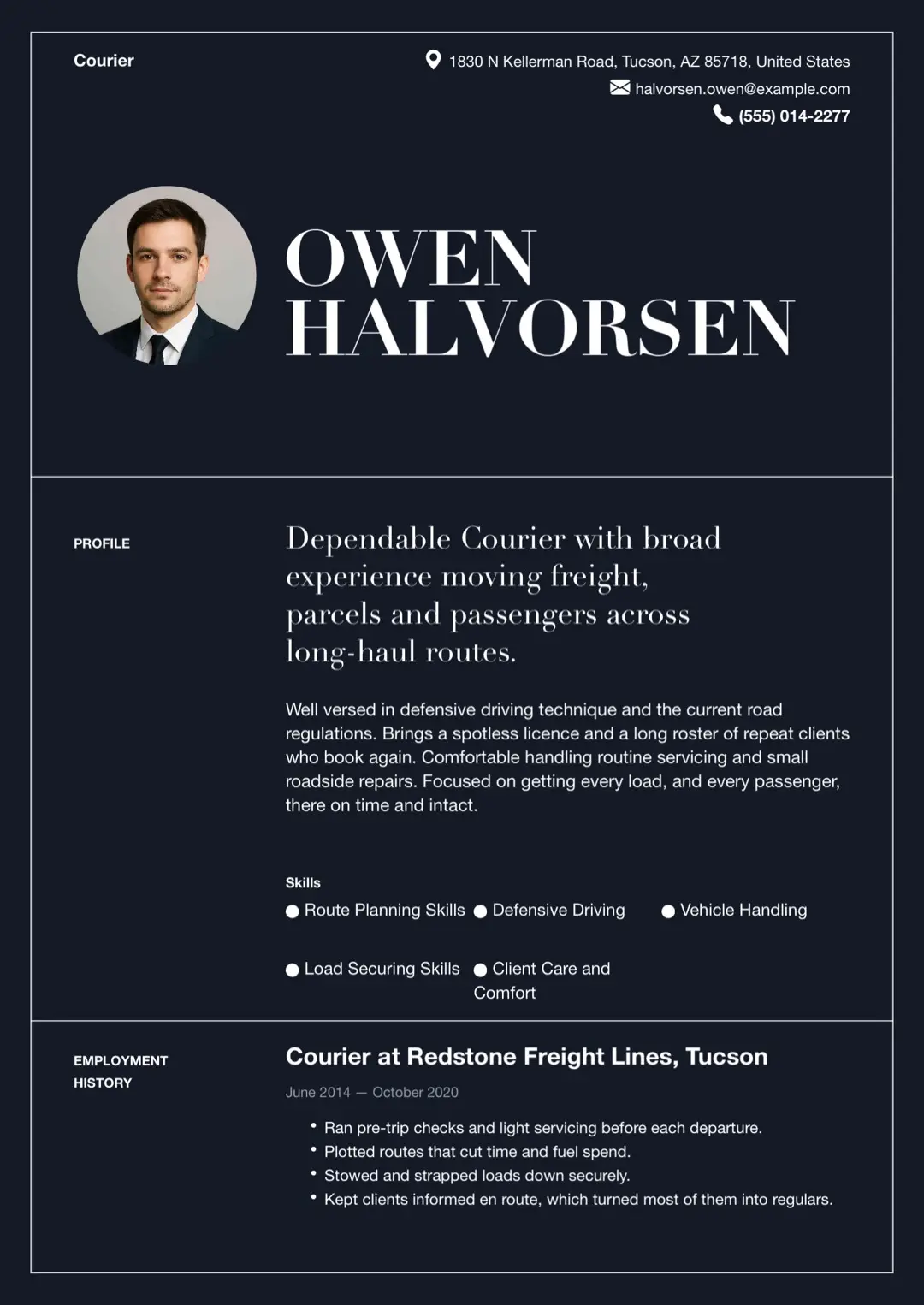
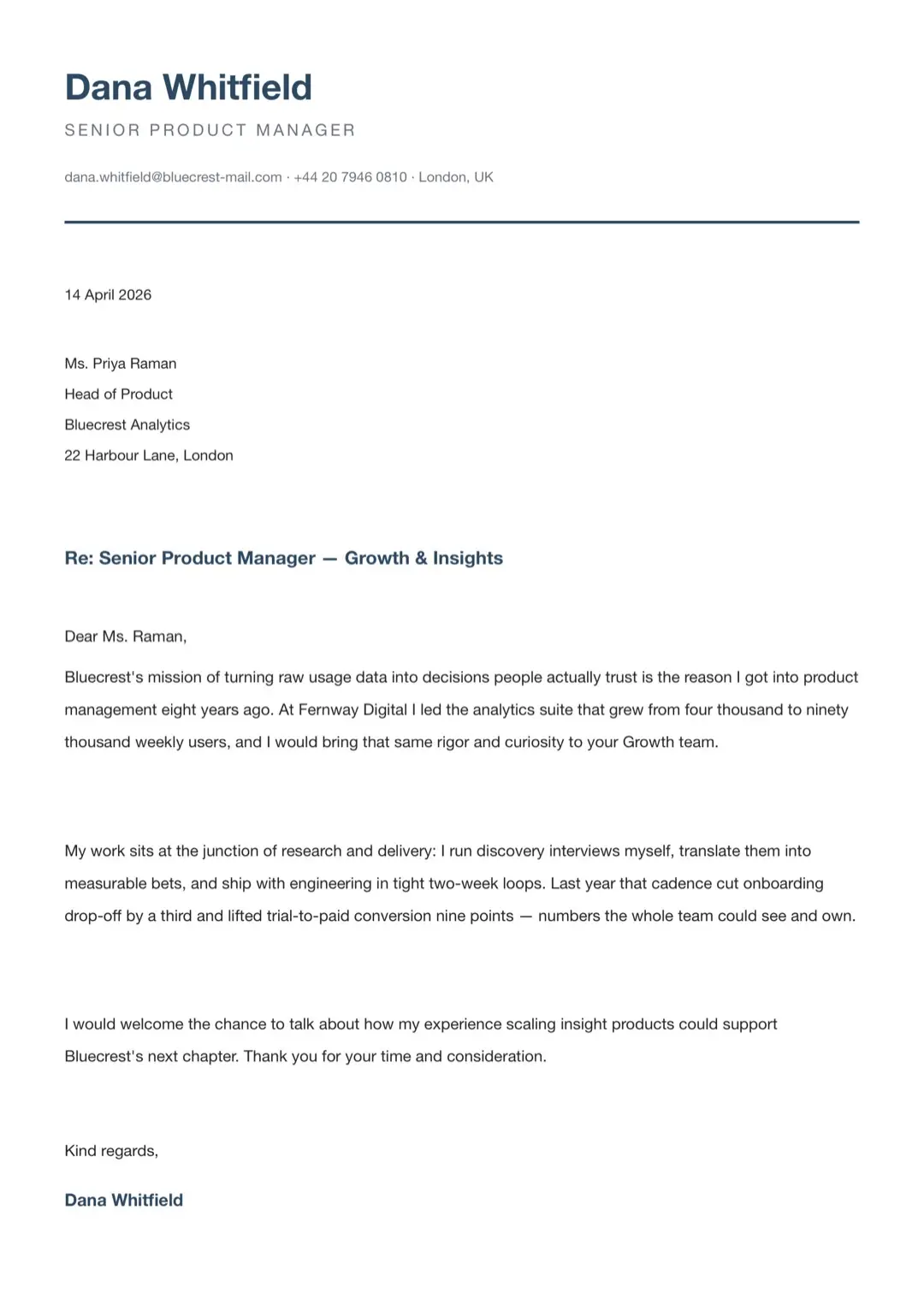
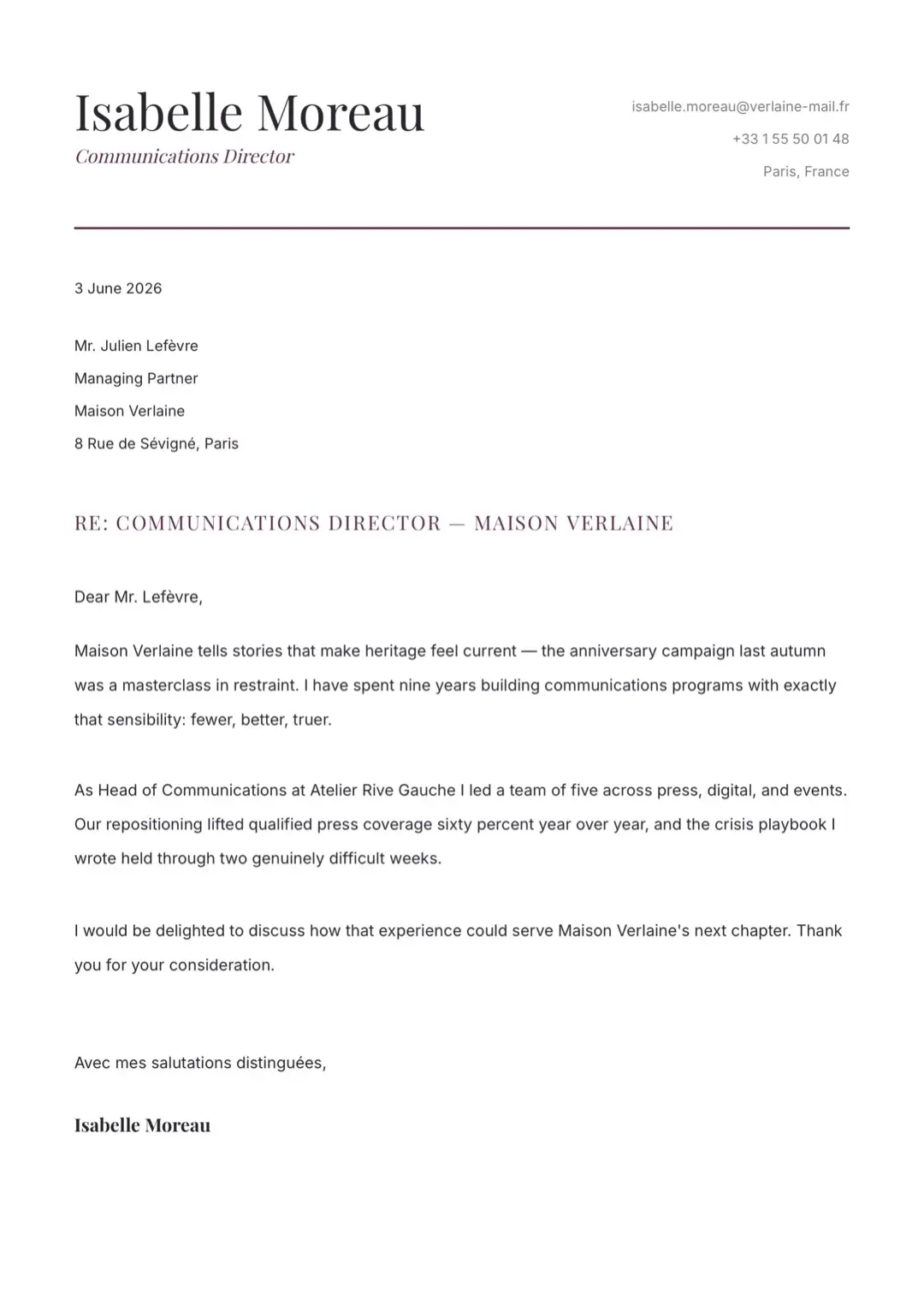
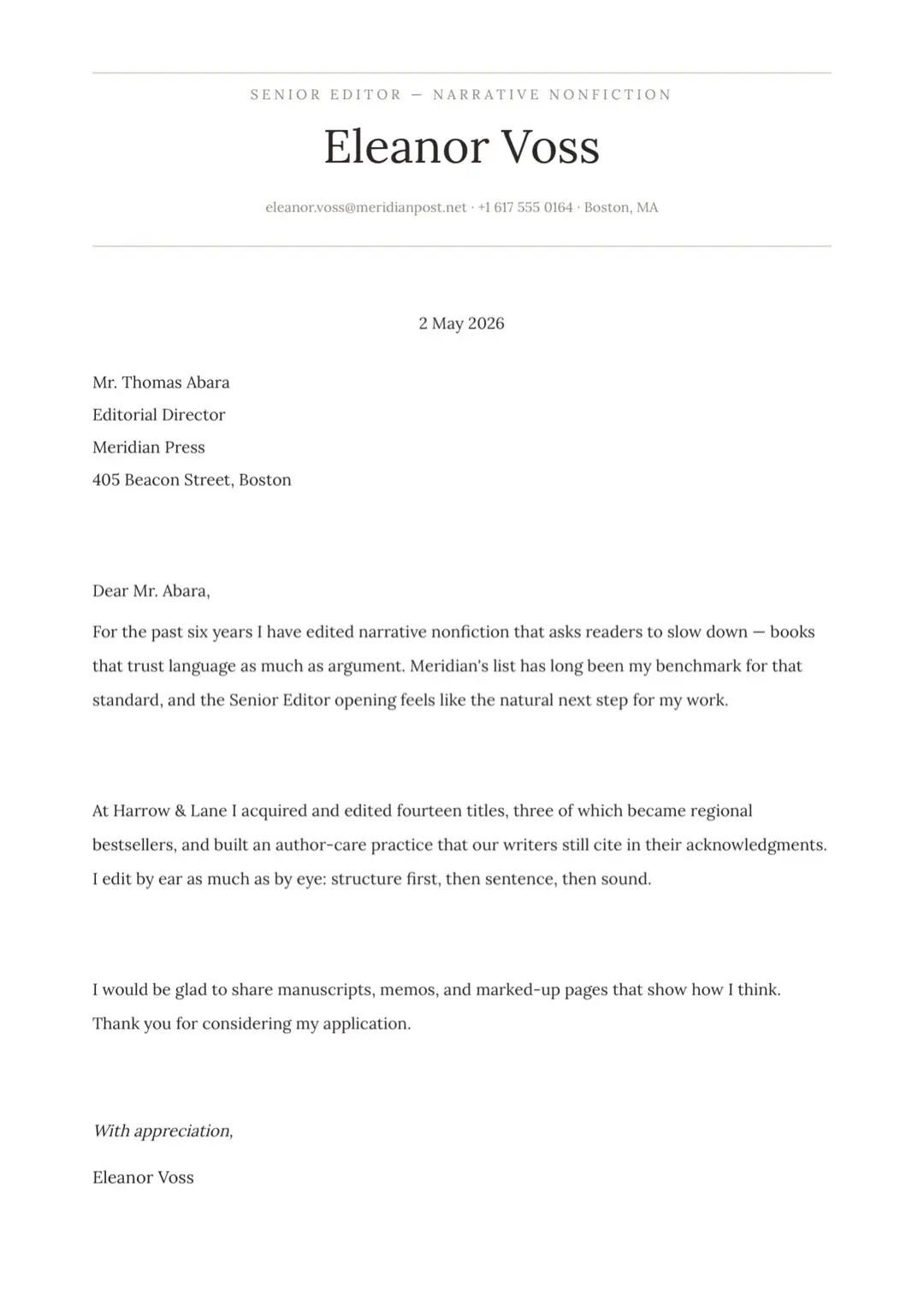
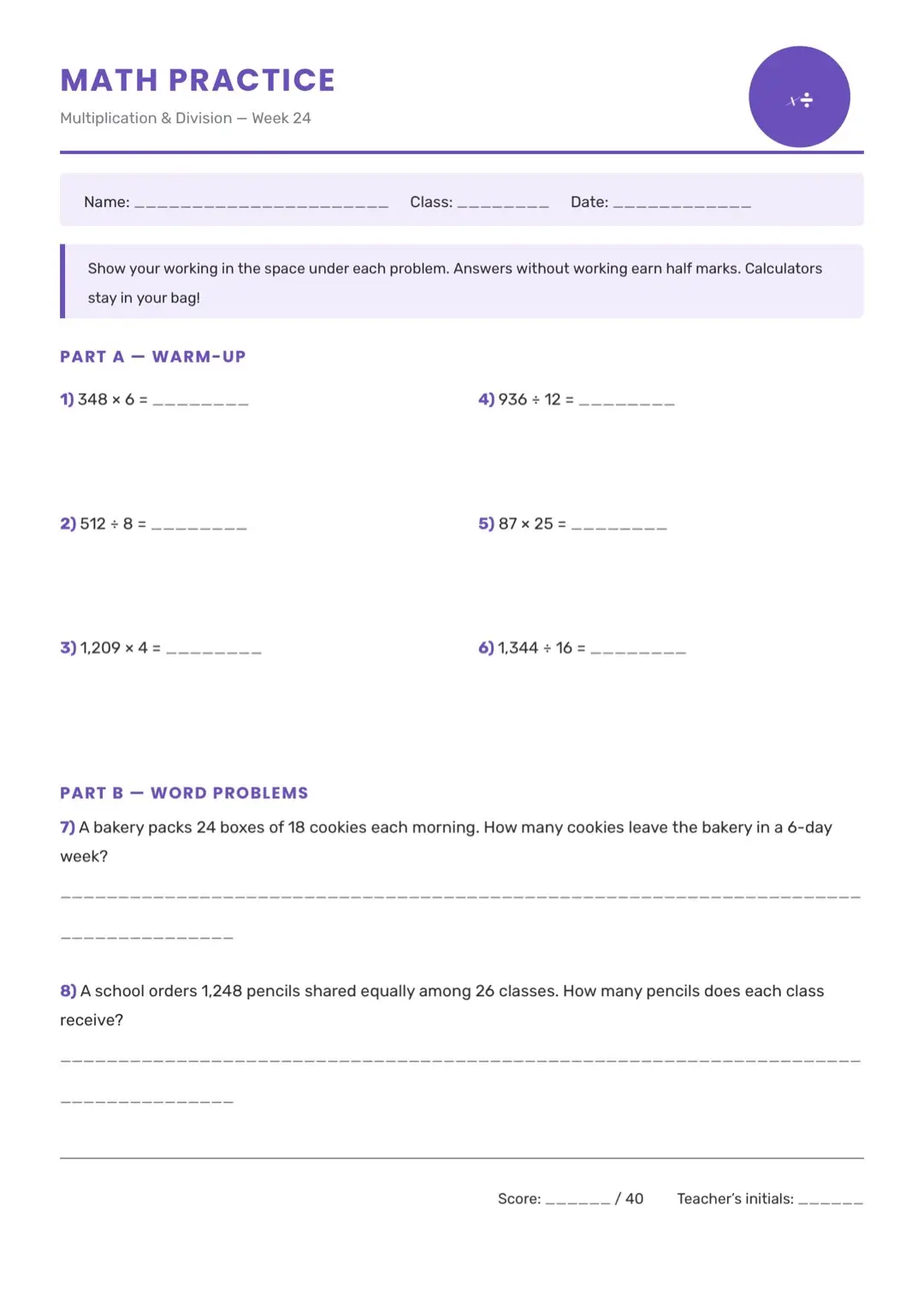
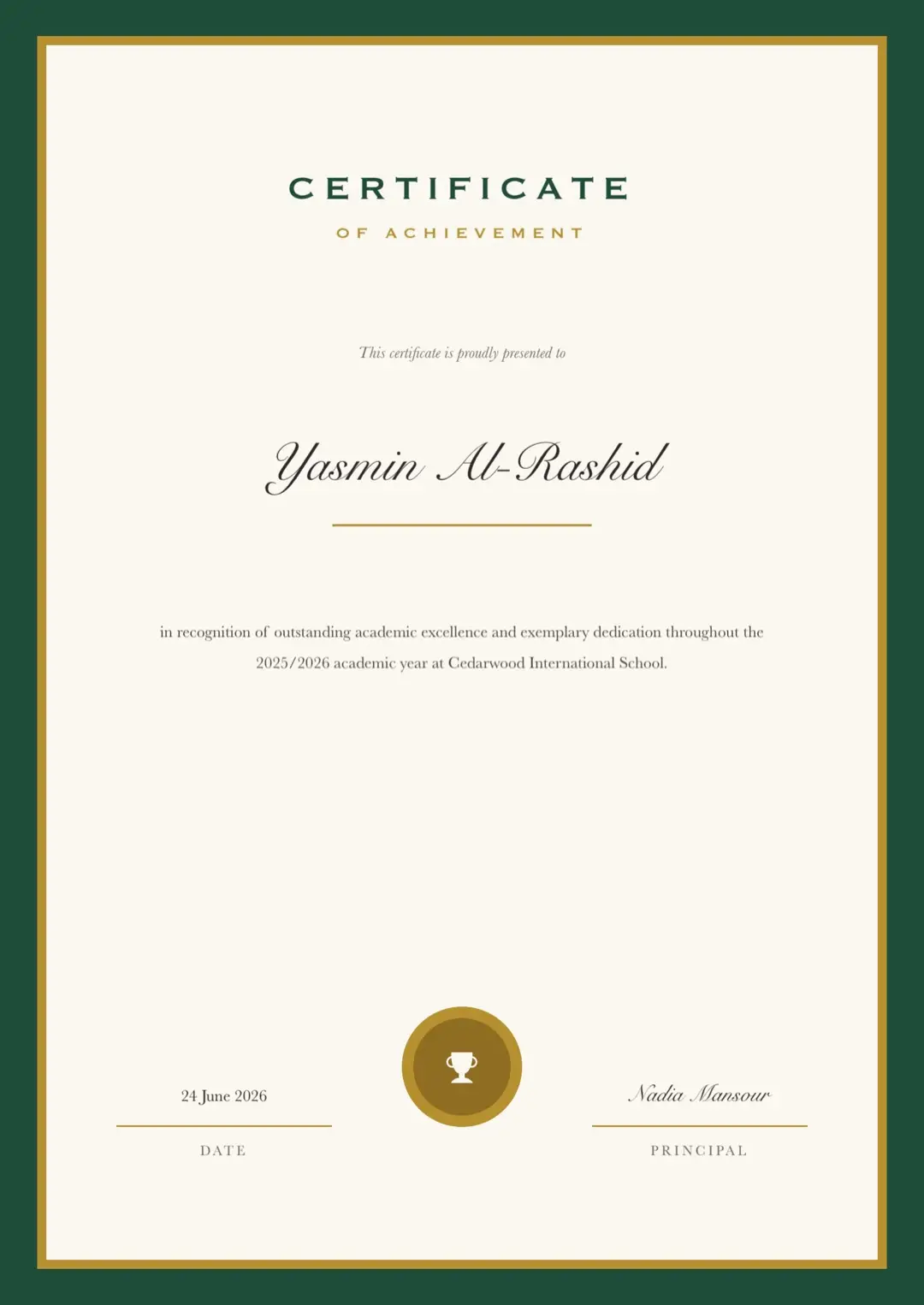
Start from a design, not a blank page
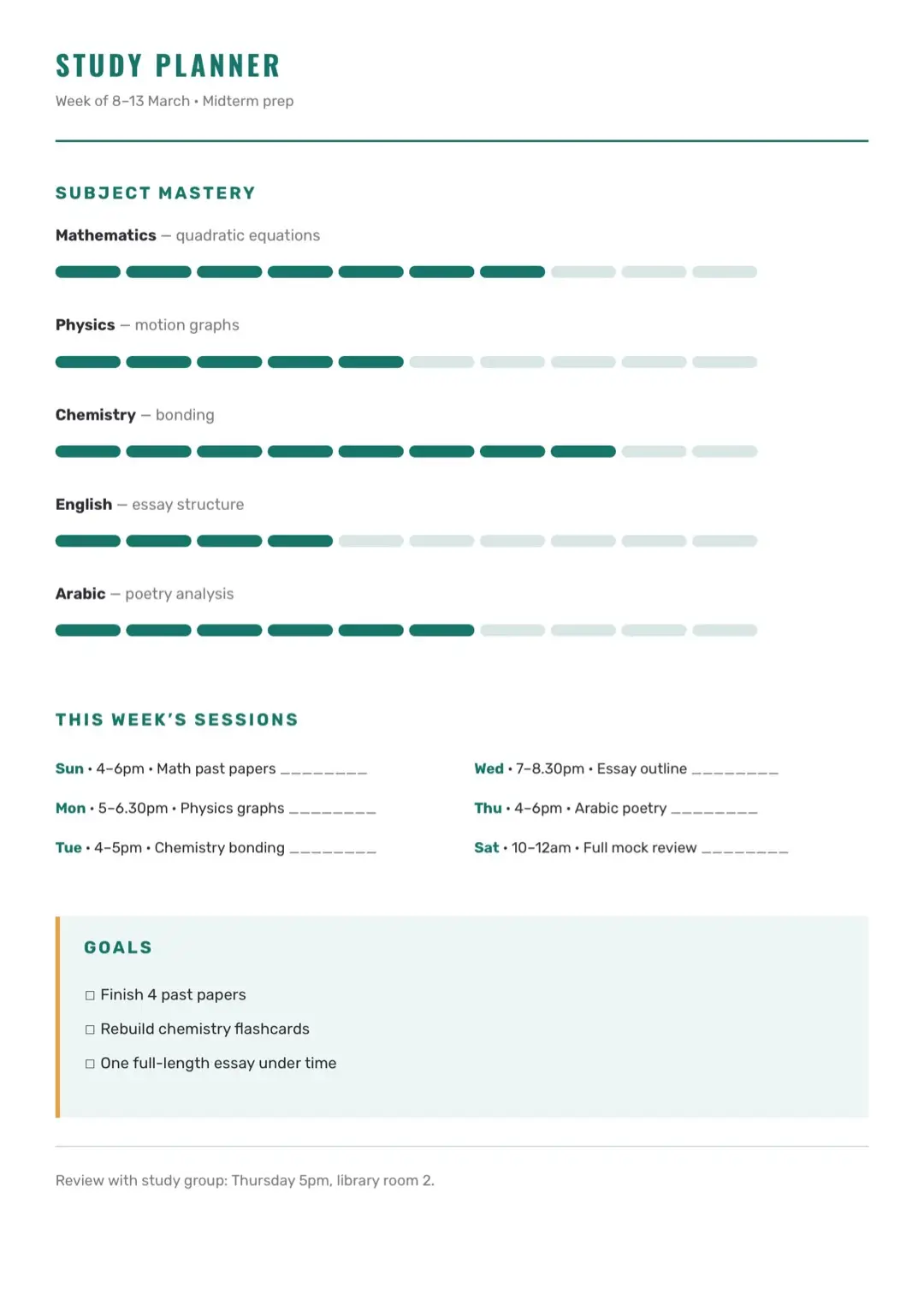
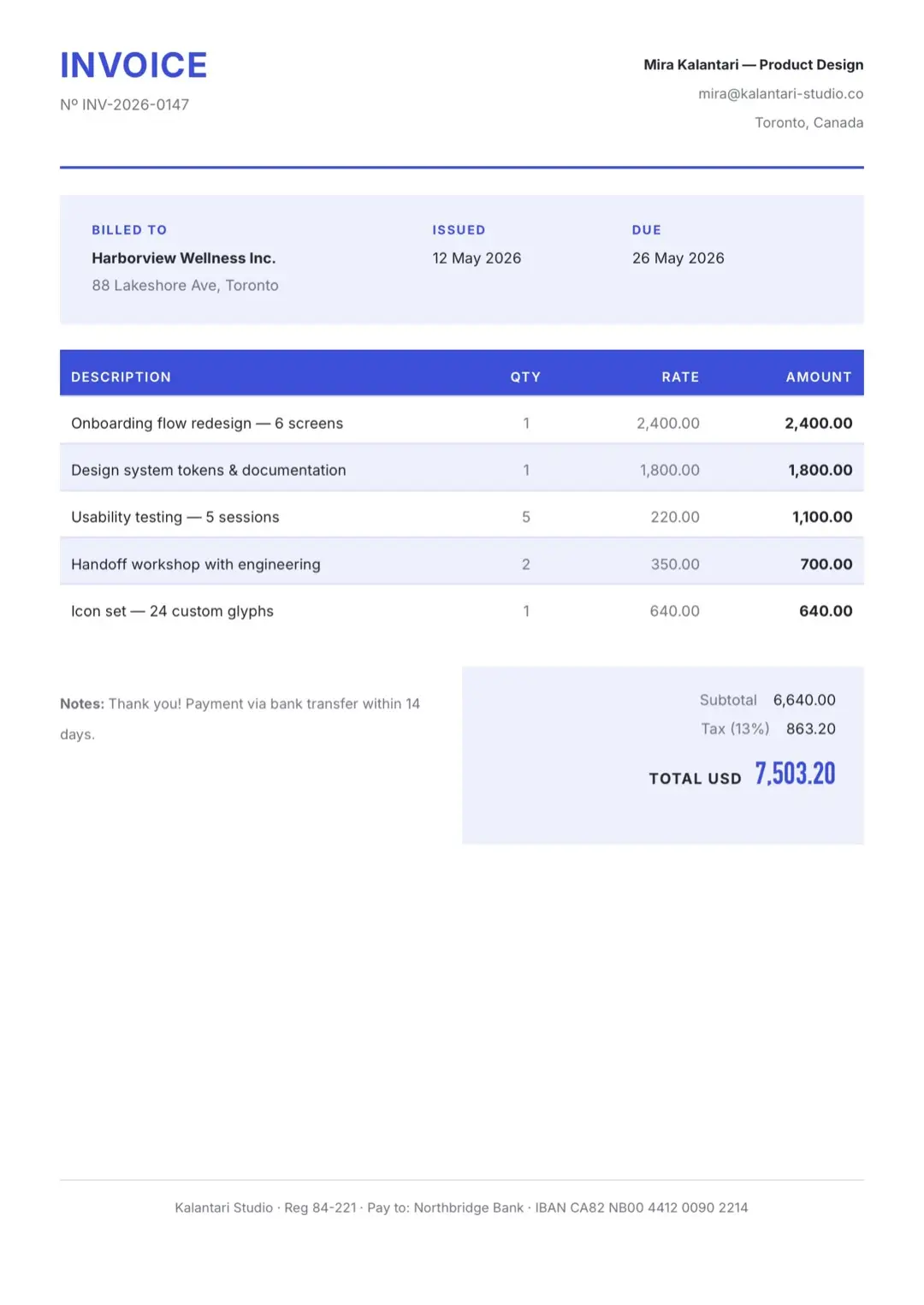
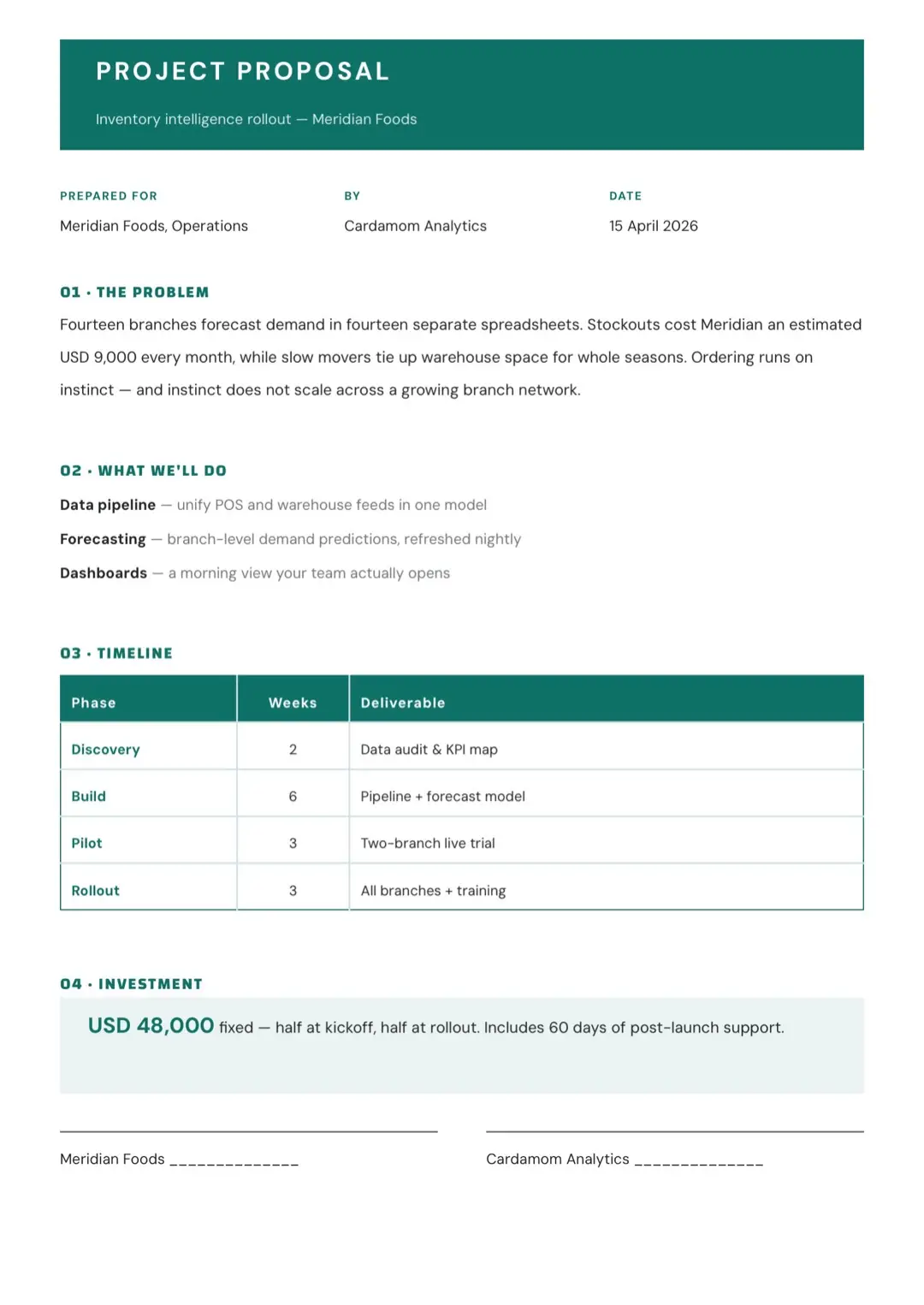
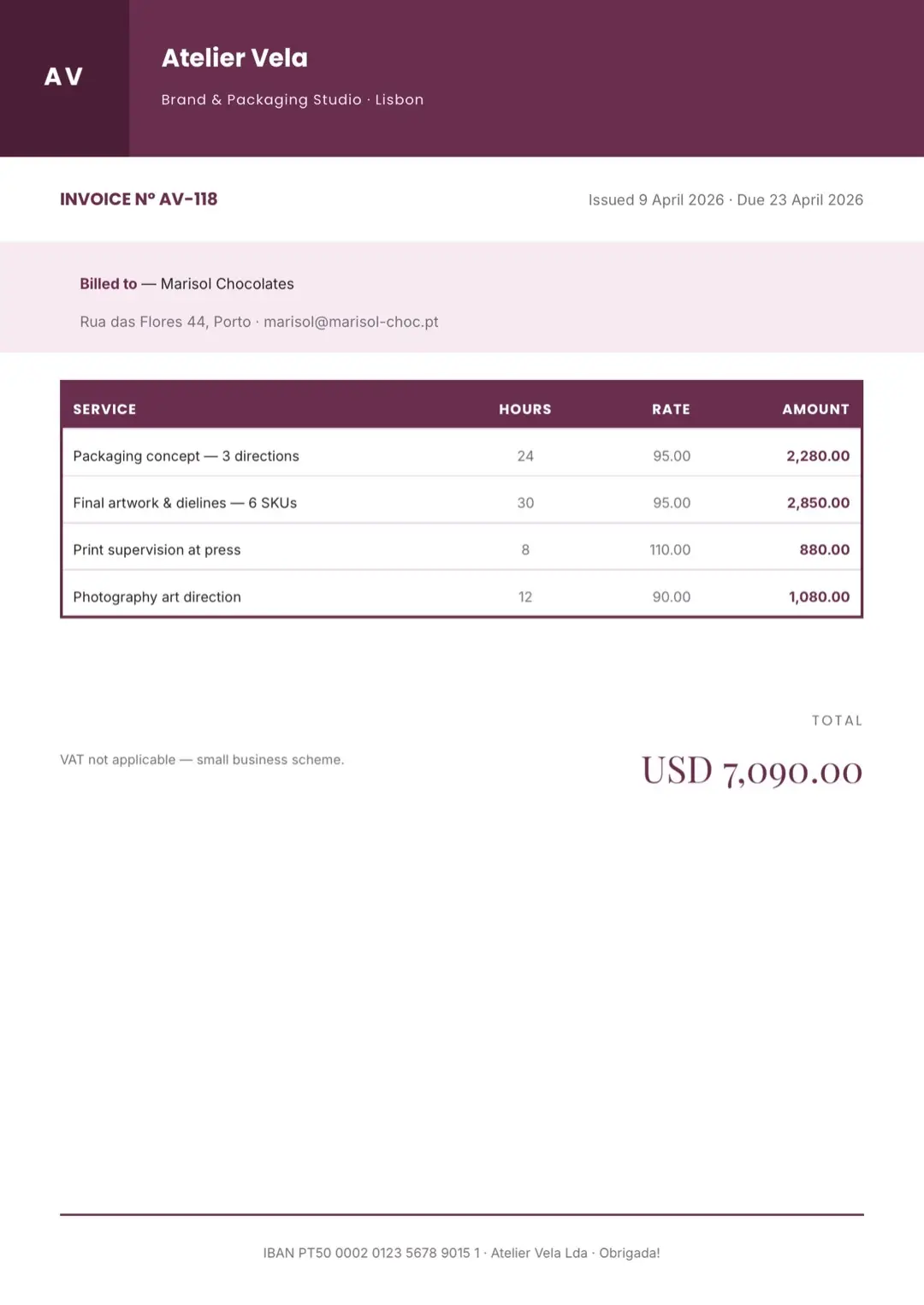
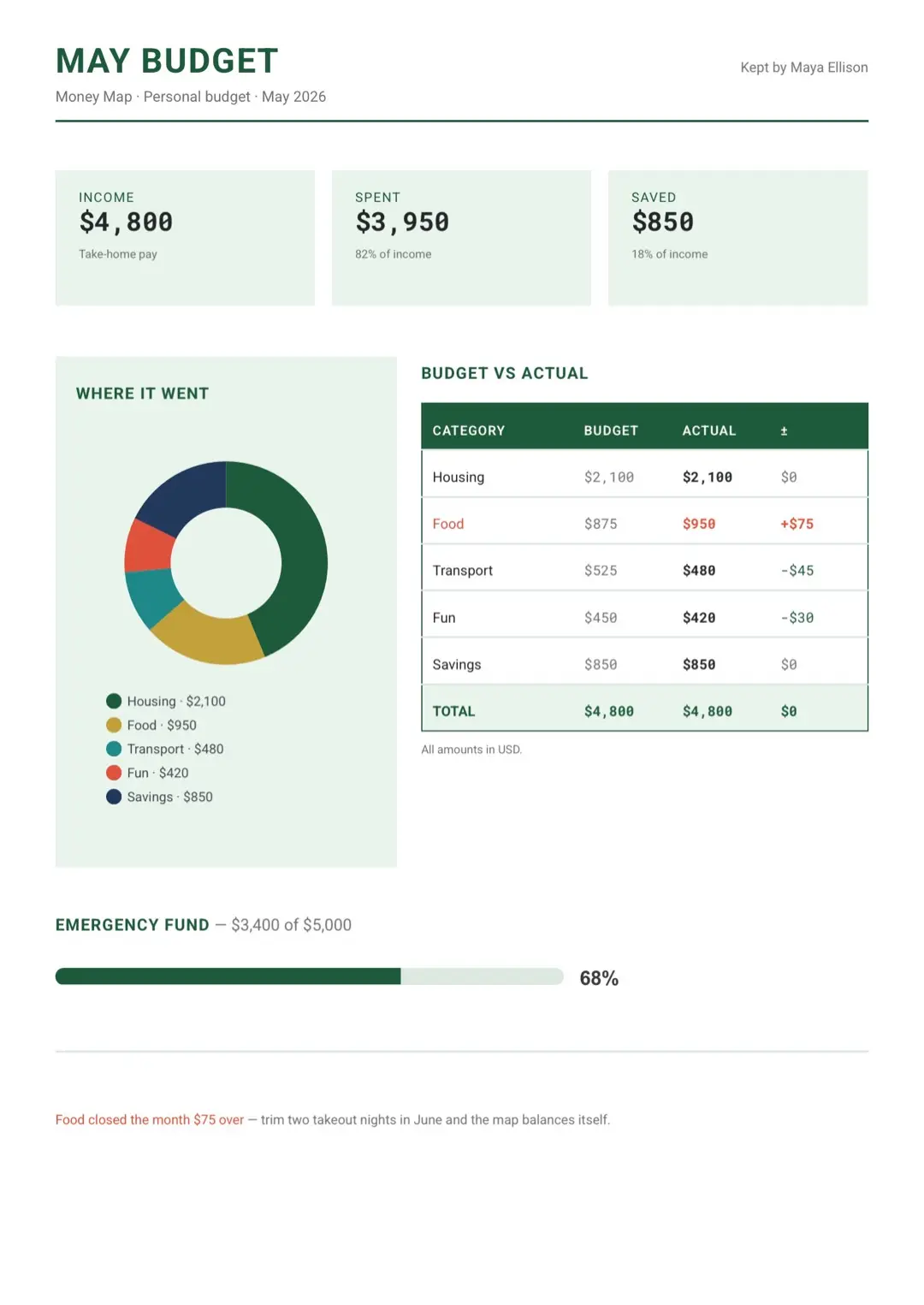
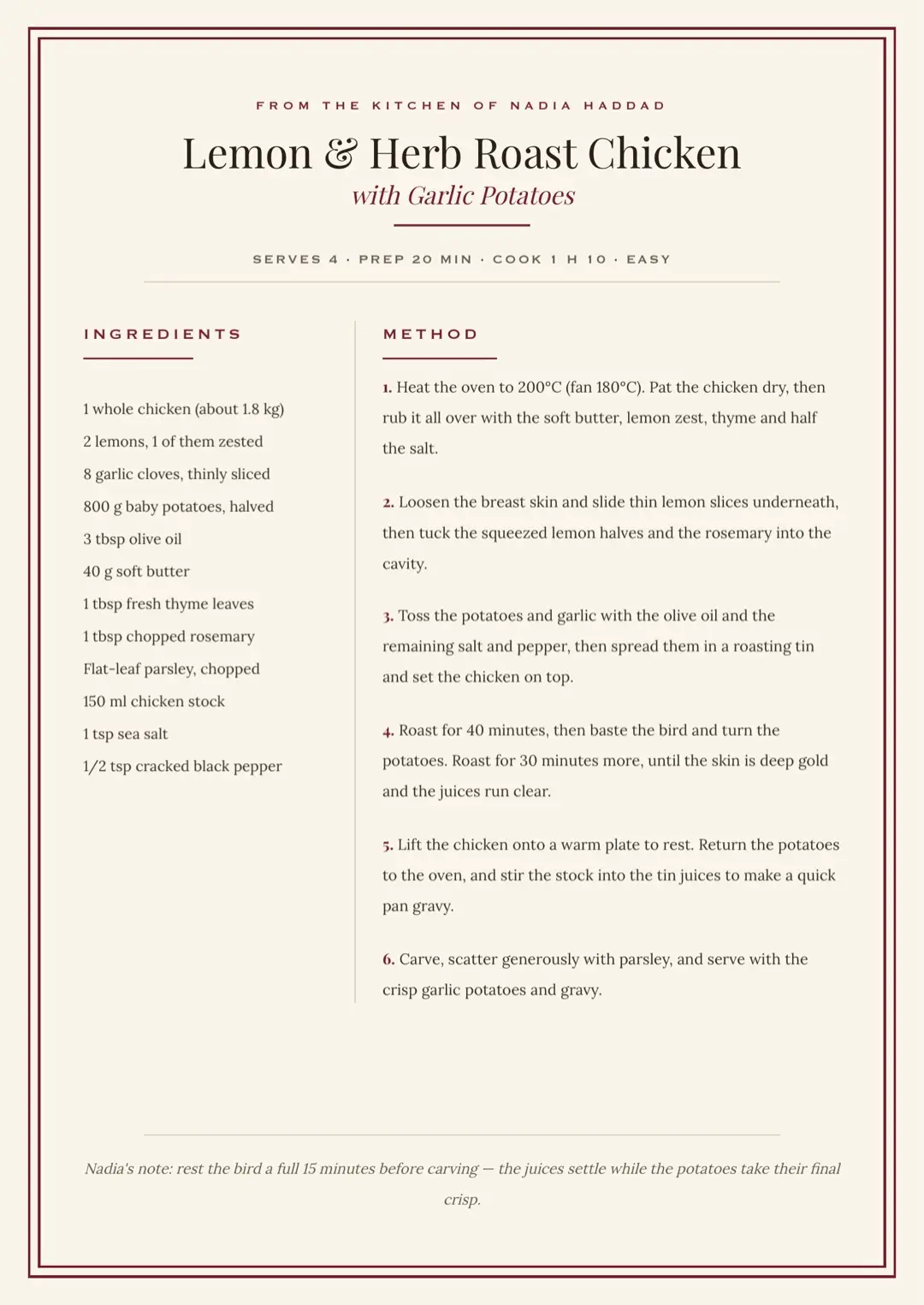
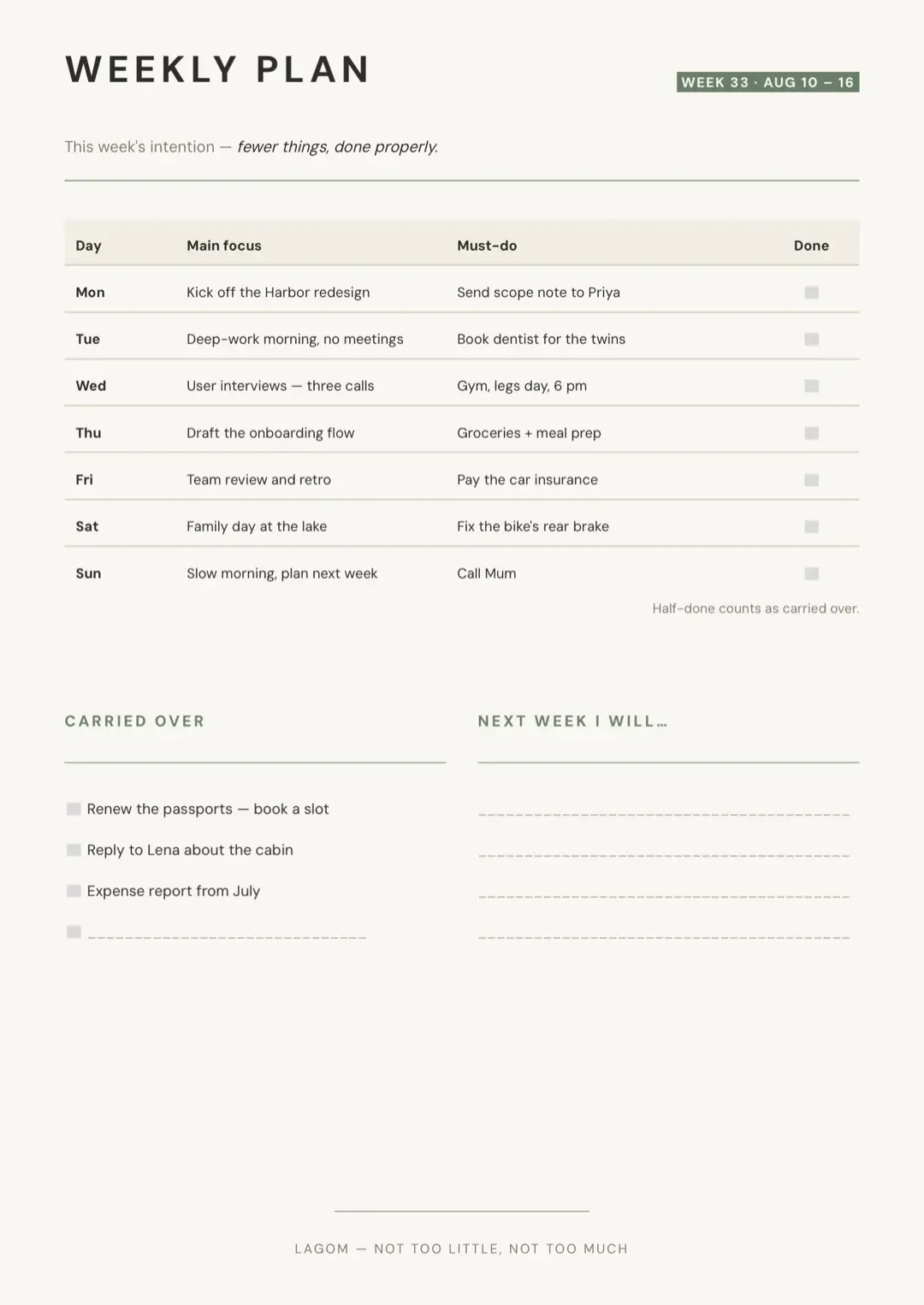
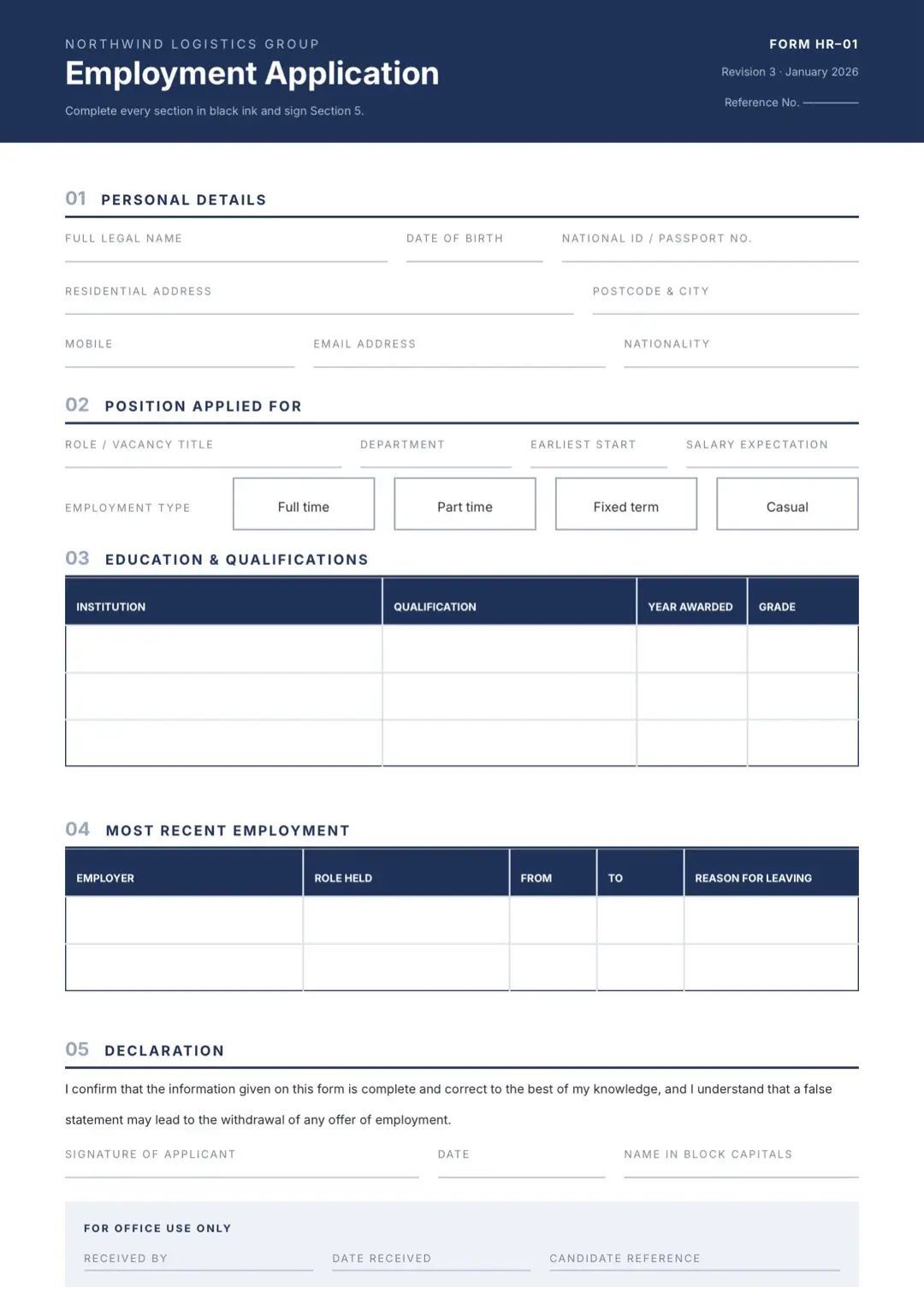
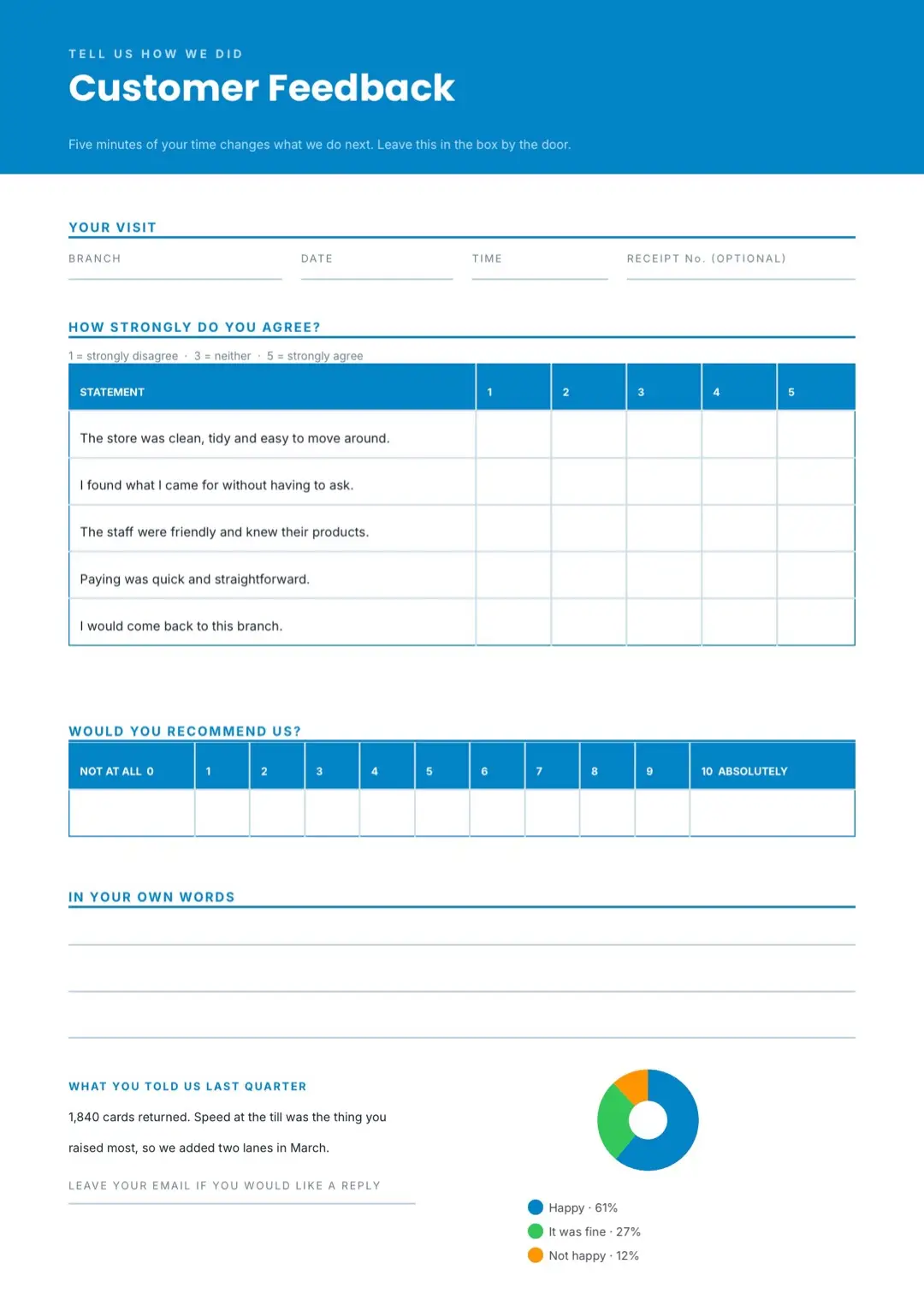
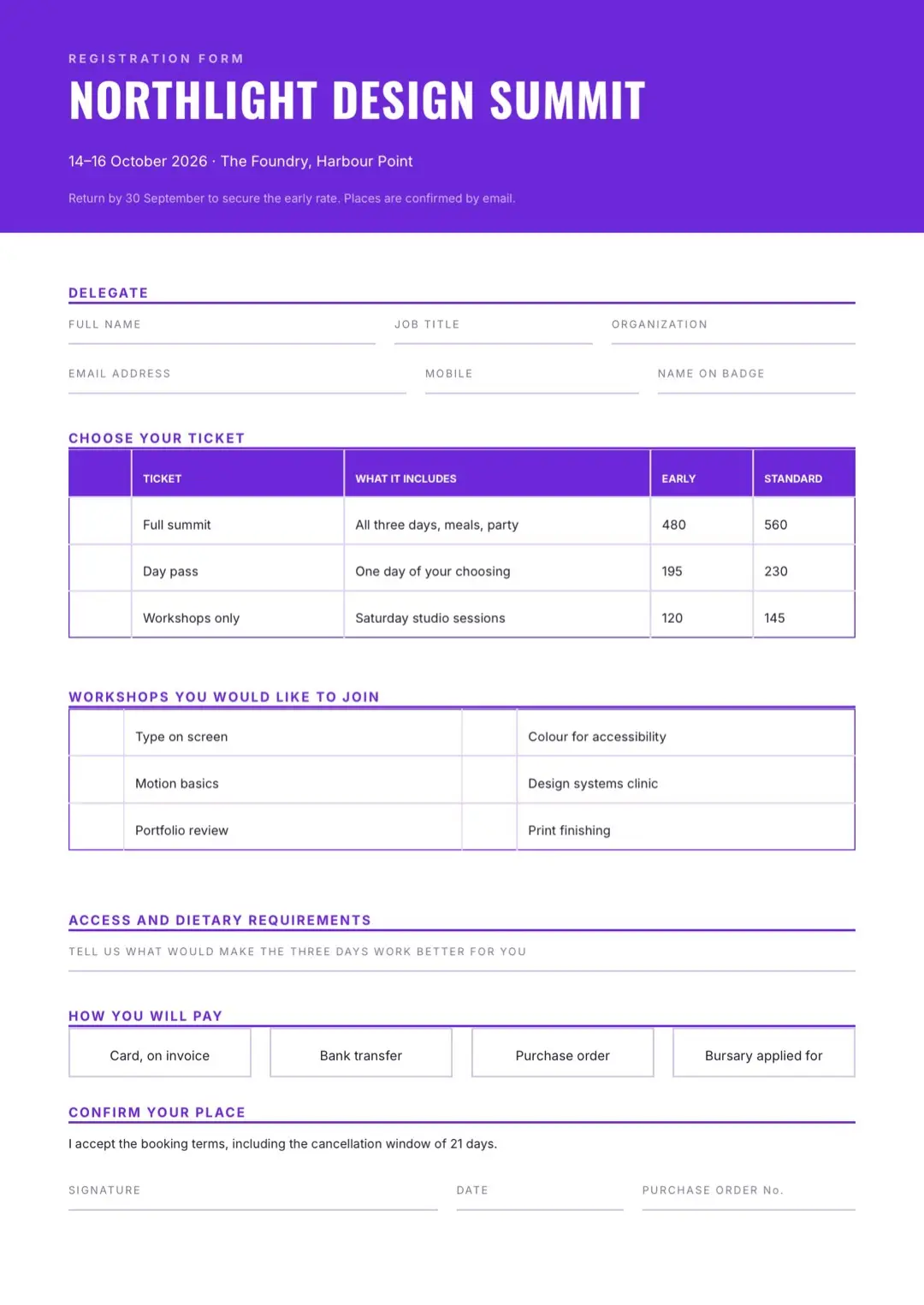
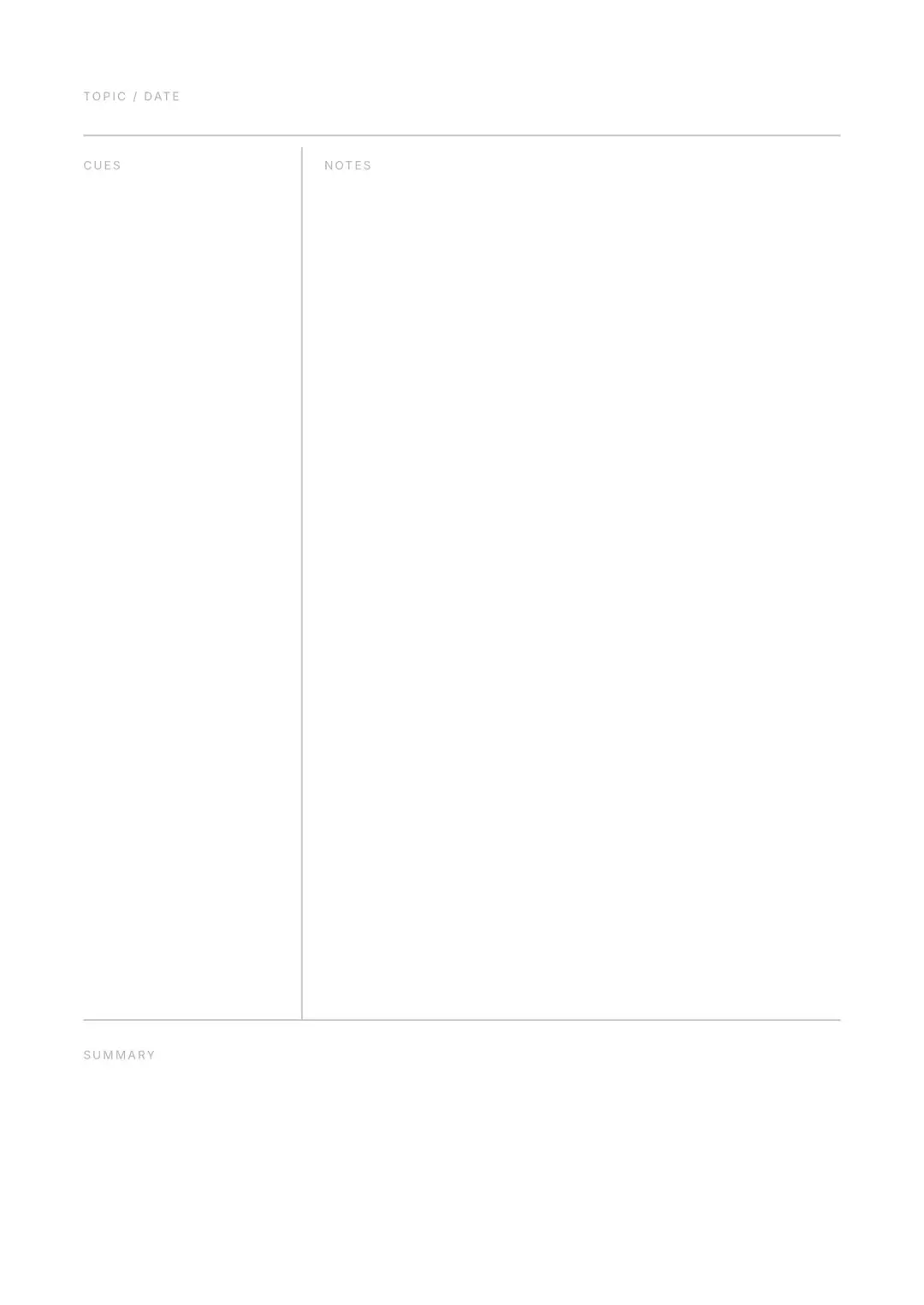
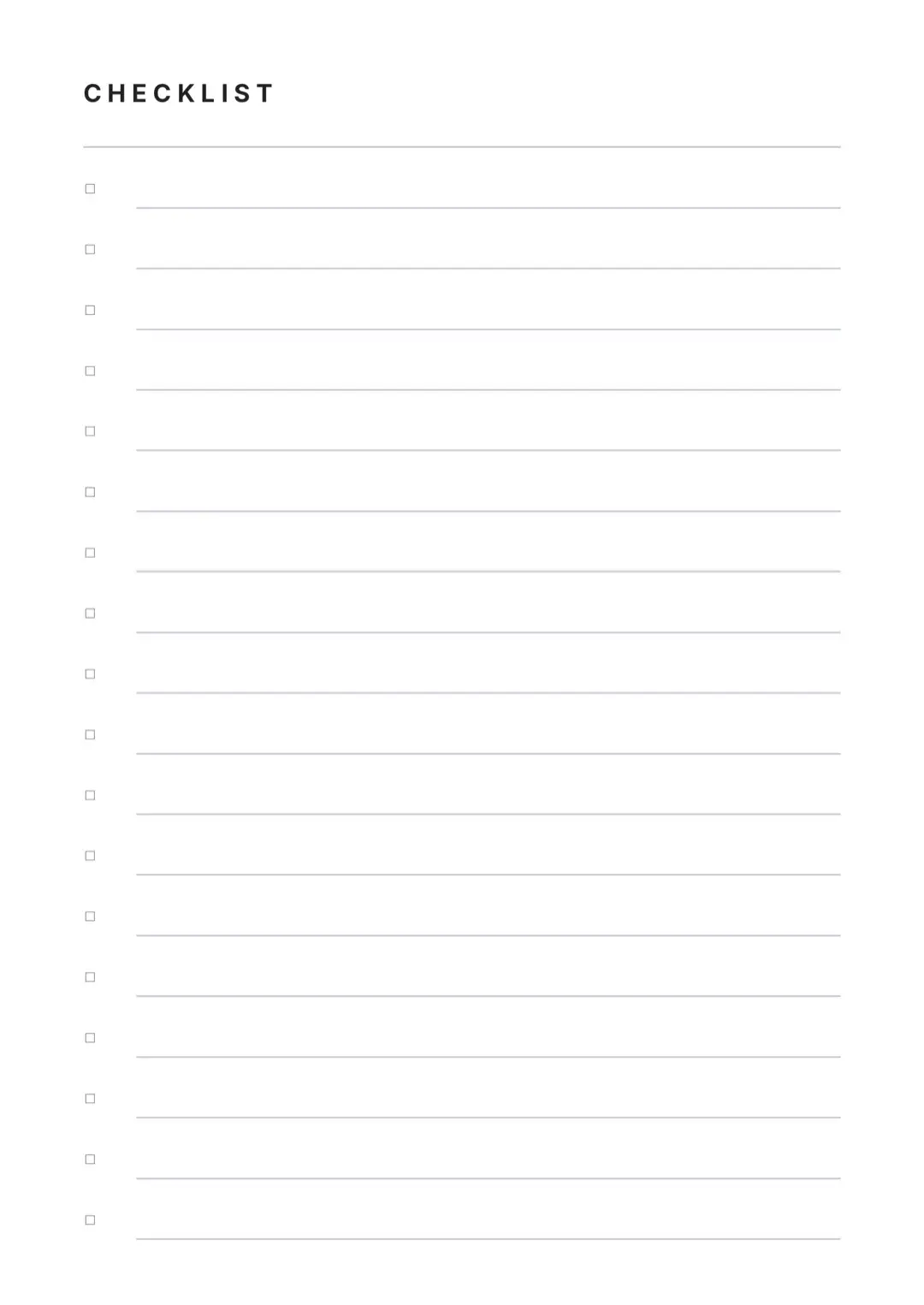
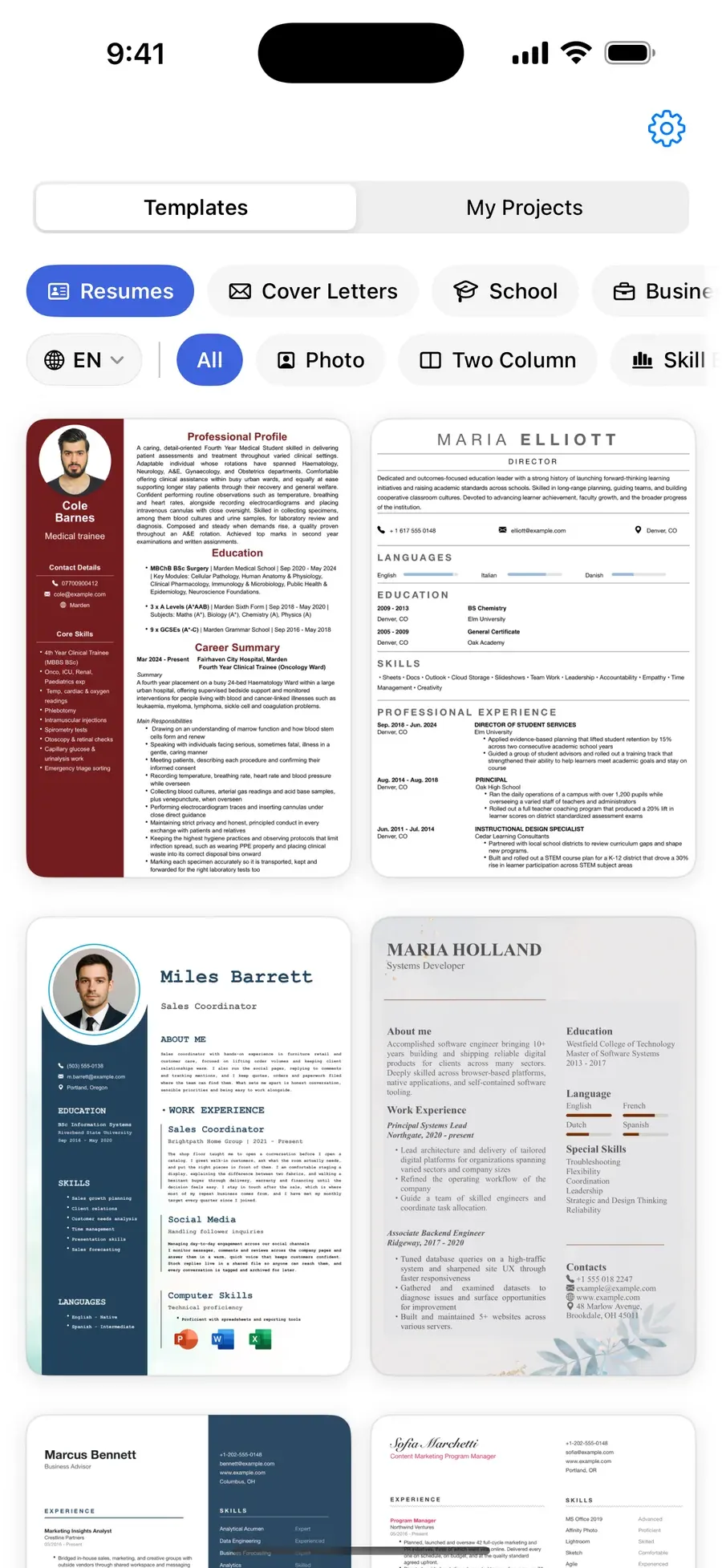
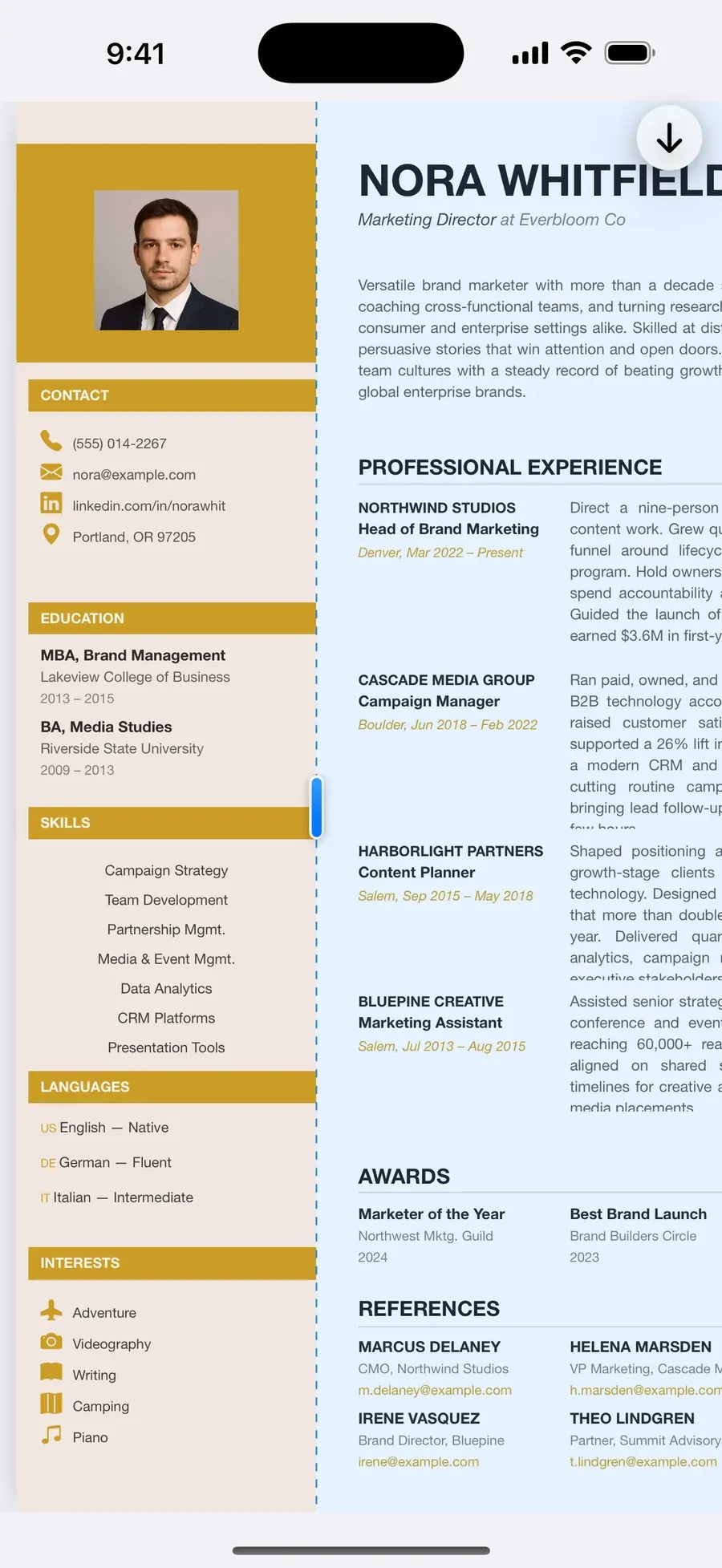
A template for every document you'll ever need
Resumes and CVs, cover letters, school paperwork, business documents, planners, printable forms — plus blank pages when you want to start clean.

Written in your language
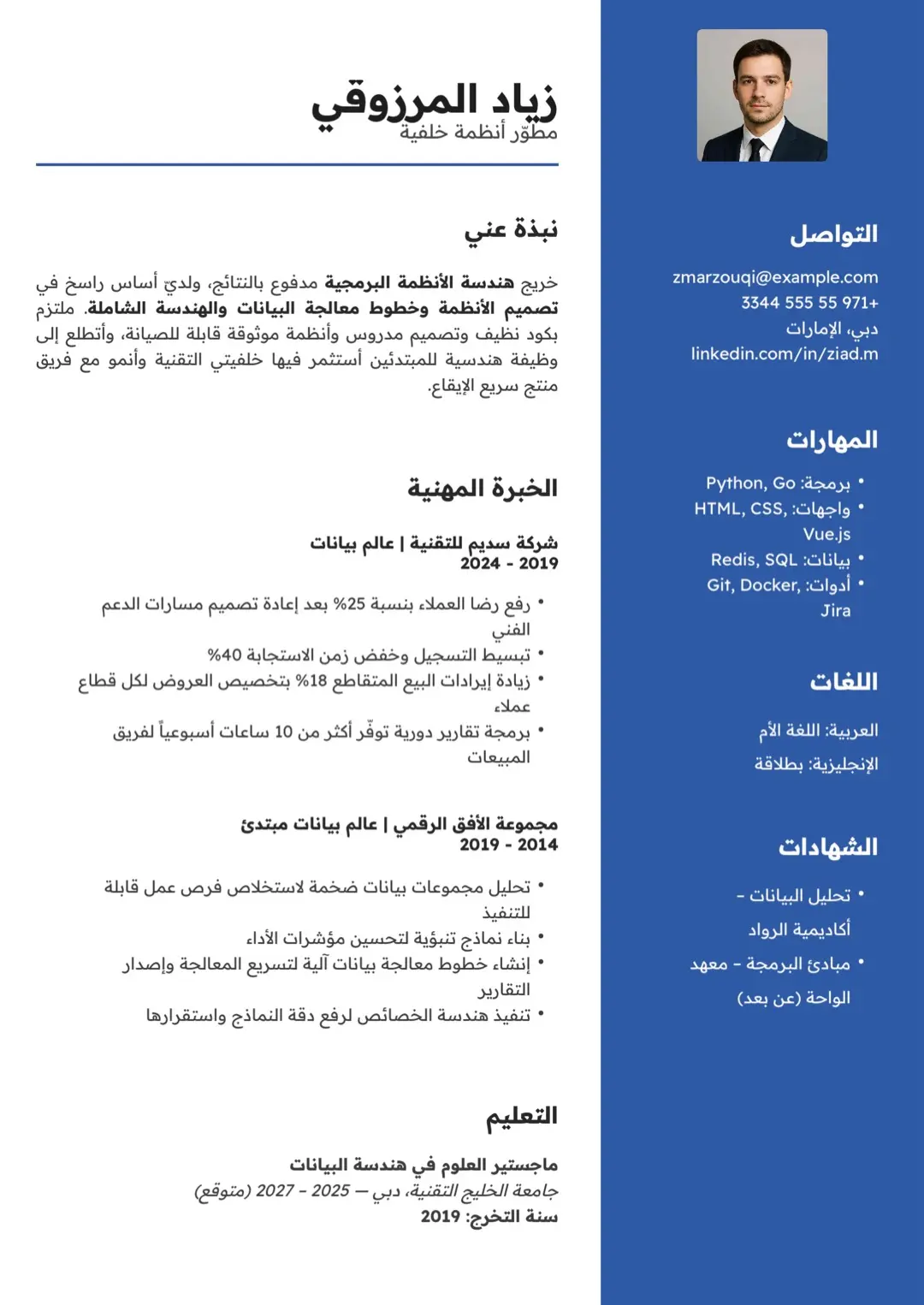
Same design. Mirrored, not translated.
Every template ships with a true right-to-left Arabic sibling. Pages mirror properly — columns, separators, charts — instead of just swapping the text. Urdu is supported too, and the app itself runs in 11 languages.
Build pages that look designed
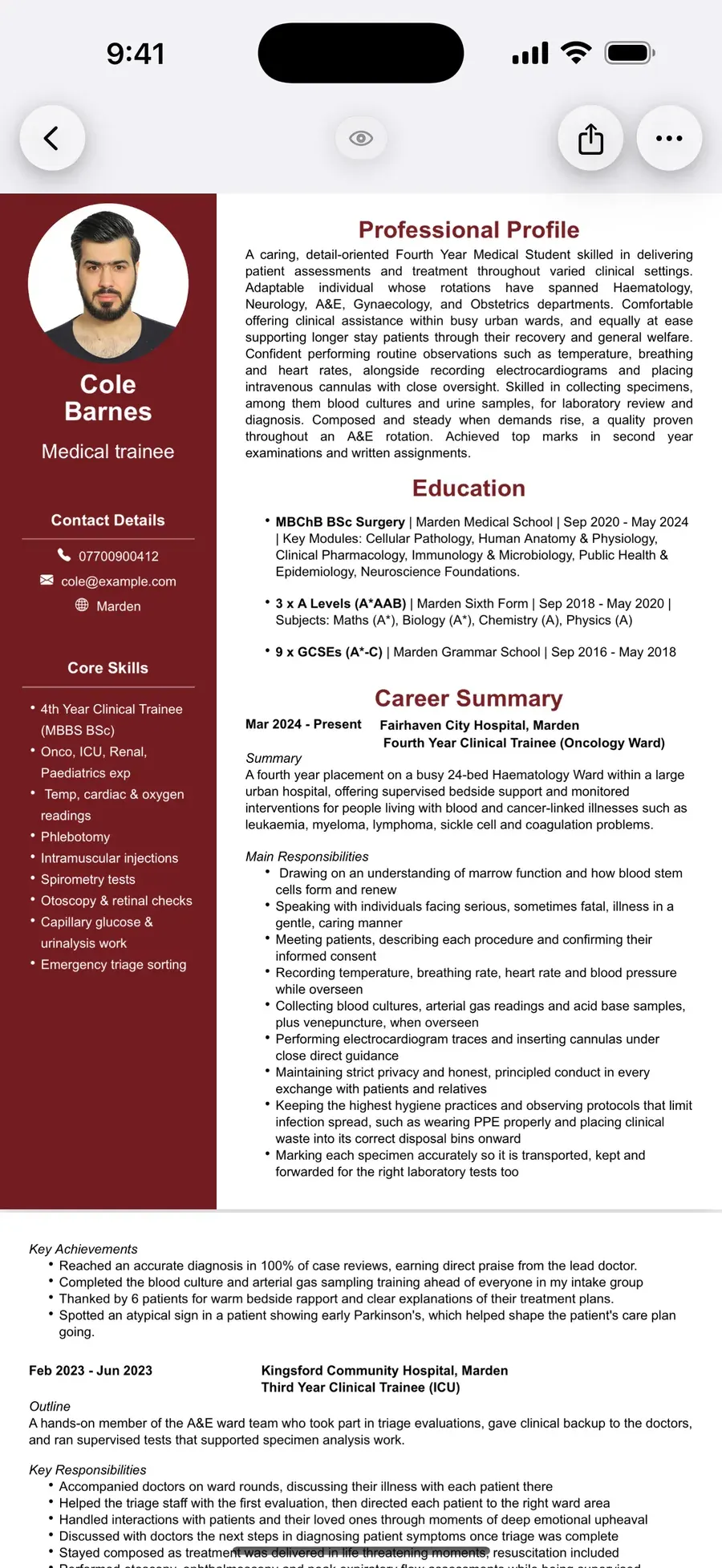
Every element is a block. Drag it anywhere.
Headings, photos, charts, skill bars — each one is a block you can drag, resize and stack anywhere on the page. Neighbouring blocks make room as you move, so the page always stays clean. No fighting margins, no starting over.
More than text
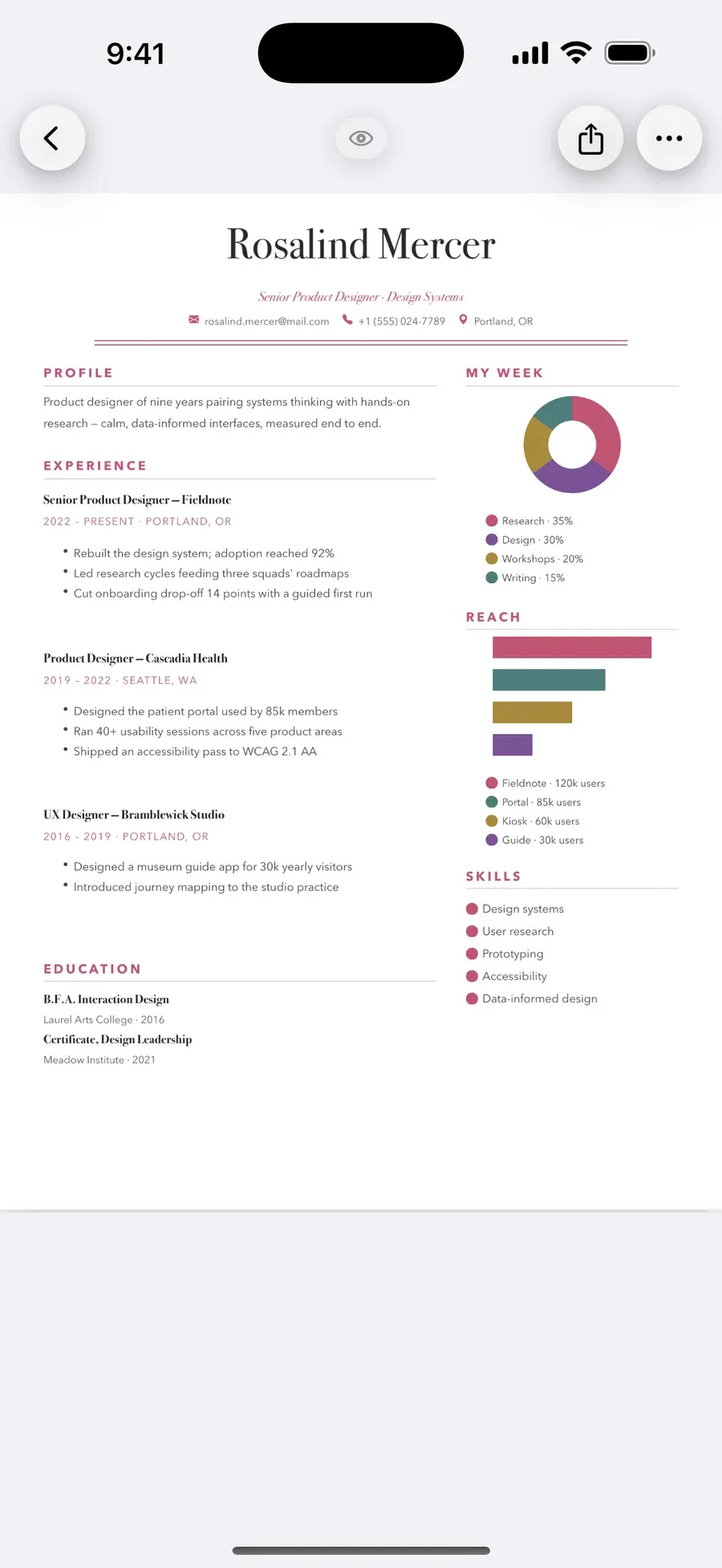
Charts, tables and levels that belong on the page
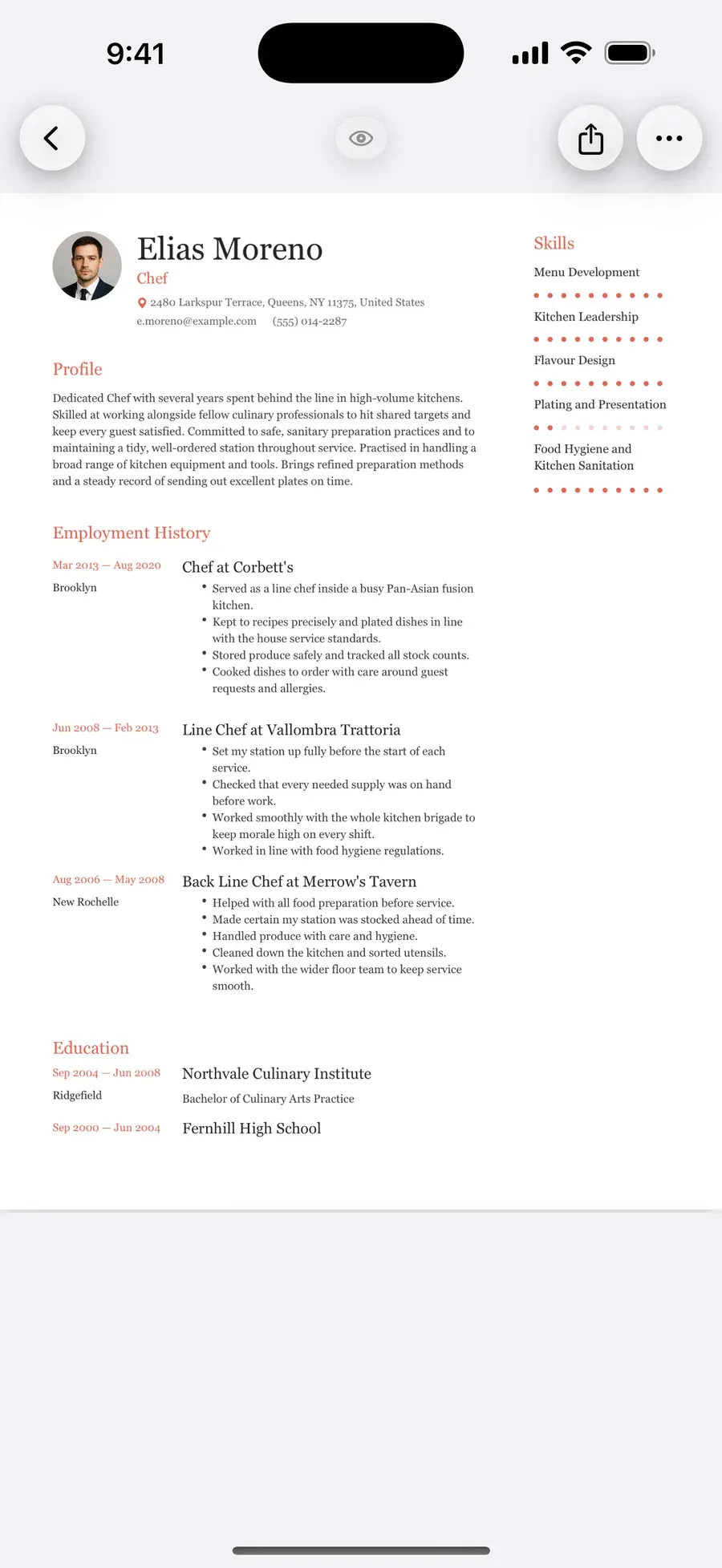
Donut, pie, bar and column charts with editable legends. Tables with full styling control. Skill and level indicators in 10 styles. Images with 22 clip shapes, background layers, borders and 11 line styles.
Real typography
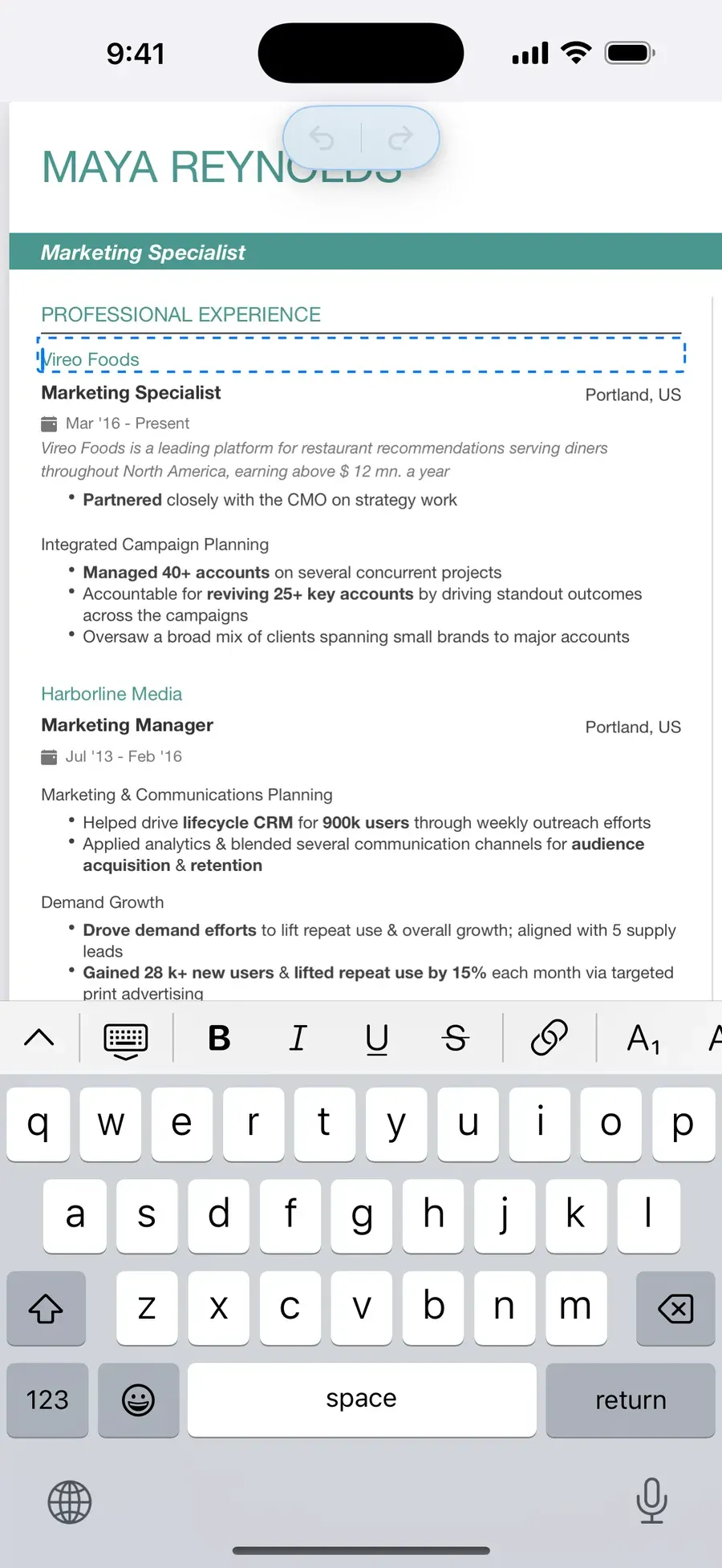
85 fonts, edited right on the page
Size, weight, colour, line height, letter spacing and list indentation — all on the page, with a full formatting toolbar. Three list styles, including icon bullets with 112 icons.
Export that holds up
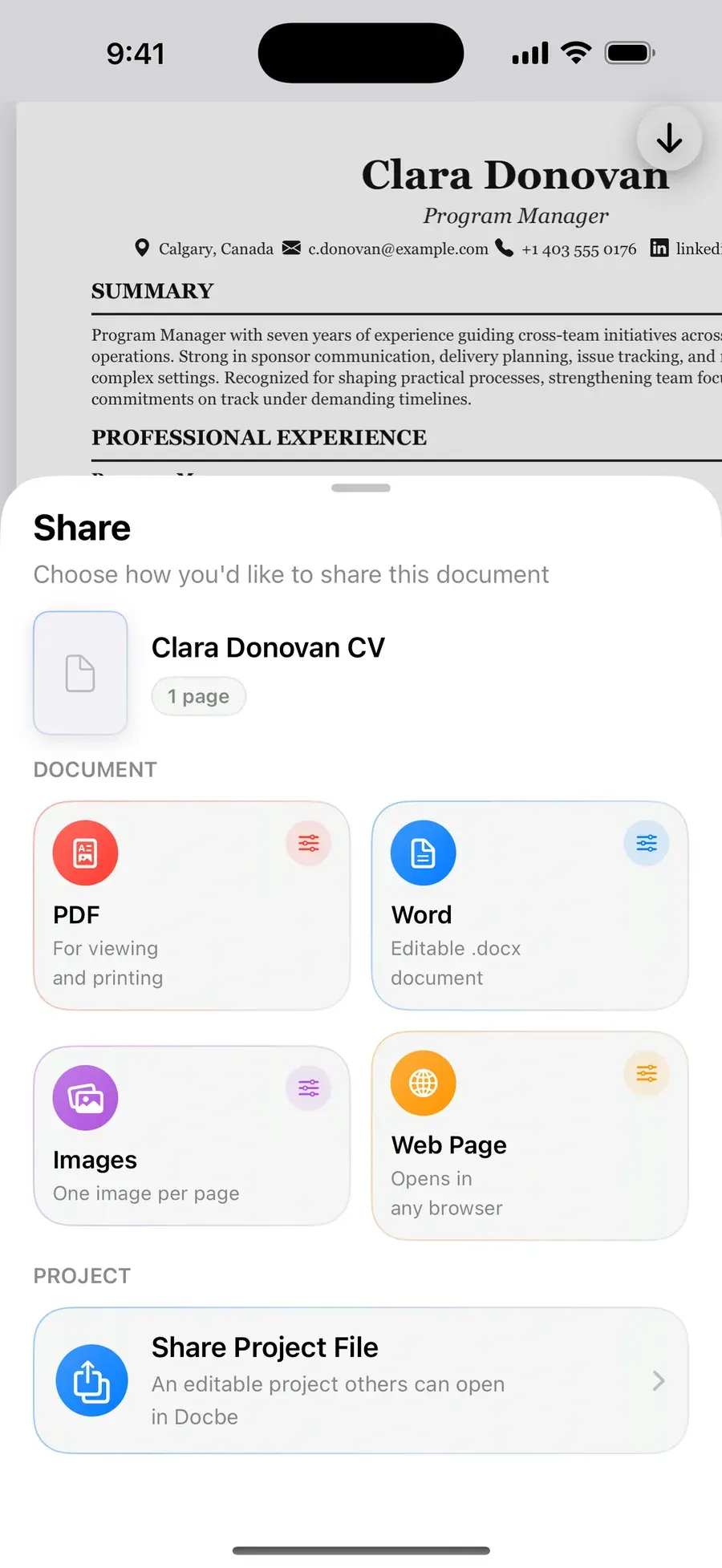
Vector PDF, Word, HTML and images
Text stays sharp and selectable at any zoom and prints cleanly. Export DOCX for editing elsewhere, HTML for the web, or share whole projects as .docbe files and open them on another device.
Designed for every screen
iPhone, iPad and Mac, each with its own layout
Pinch to zoom, a preview mode and a 3D view of how your page is layered. Light and dark themes, guided tutorials the first time, and Recently Deleted keeps removed documents for 10 days.
Pricing
Everything in Docbe is free to try. Pro unlocks all of it.
30 free templates, 10 projects and three pages per document — with no watermark. Docbe Pro adds every template, every font, icon and style, and unlimited projects.
See pricingIs Docbe really free?
Yes. Download it, pick any of the 30 free templates, build up to 10 projects with up to three pages each, and export without a watermark. Docbe Pro is optional and unlocks everything else.
Do exports have a watermark?
No — never. Exports are not gated on the free plan either. The PDF you export is the page you designed, and nothing else.
Does Docbe support Arabic and Urdu?
Yes, properly. Pages mirror right-to-left — columns, separators, charts and all — and every template has an Arabic sibling. The app itself runs in 11 languages.
What happens when I open a template link?
If Docbe is installed, the link opens that template inside the app. If not, you'll land on the App Store to download it first. Opening a template from a link needs Docbe 2.1 or later.